Box: Additional Scoping
Use the Additional Scoping page to limit the scan by depth. It is a wizard page for the Scan Box Permissions category.
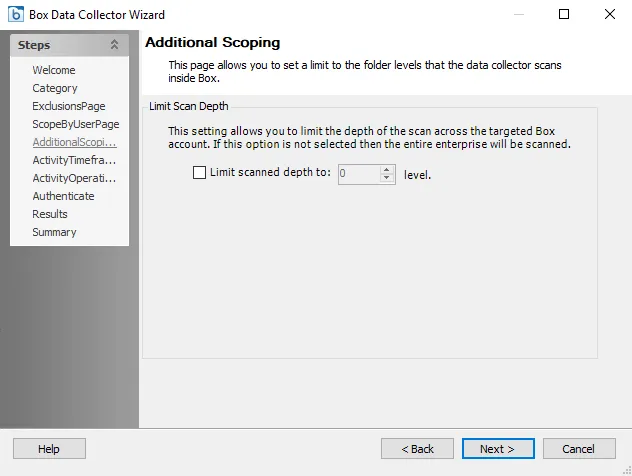
Configure the scan depth level:
- Limit scanned depth to: [number] level – Select the checkbox and set the scan depth level to the desired depth. If you don't select this checkbox, the data collector scans the entire Box environment according to the Box: Exclusions Page settings. If you set the scoping depth to 0, the data collector scans only the root. Each increment will add another level of depth from root level.