ADActivity: Share
The Share page provides options for configuring share settings. It is a wizard page for the category of:
- Import from Share
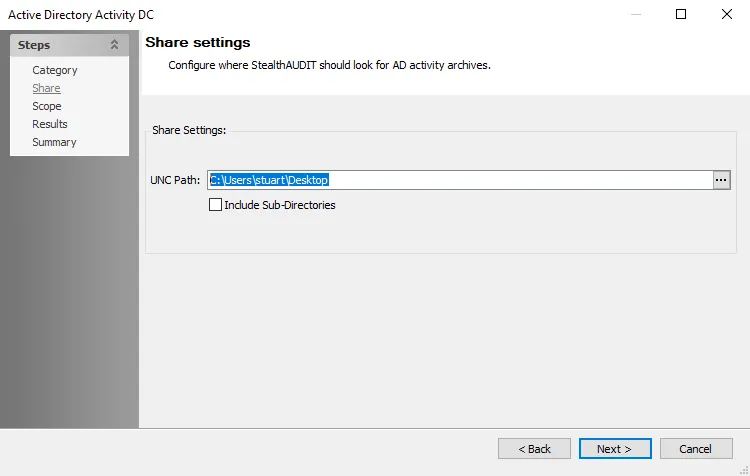
Configure the following connection setting to connect to the AD activity archives, which must reside on a Domain Controller share:
-
UNC Path – Enter the path of the share that stores AD Activity from the AD Agents. The ellipsis (…) opens a file explorer where you can navigate to and select the path.
- Remember, you must archive all AD Agent logs to this location, or Access Analyzer won't query the AD Activity data
-
Include Sub-Directories – Select to include sub-directories on the targeted share. Use this option if there are multiple archives in the same location.