ServiceNow Action: Summary
The Summary page displays a summary of the configured query.
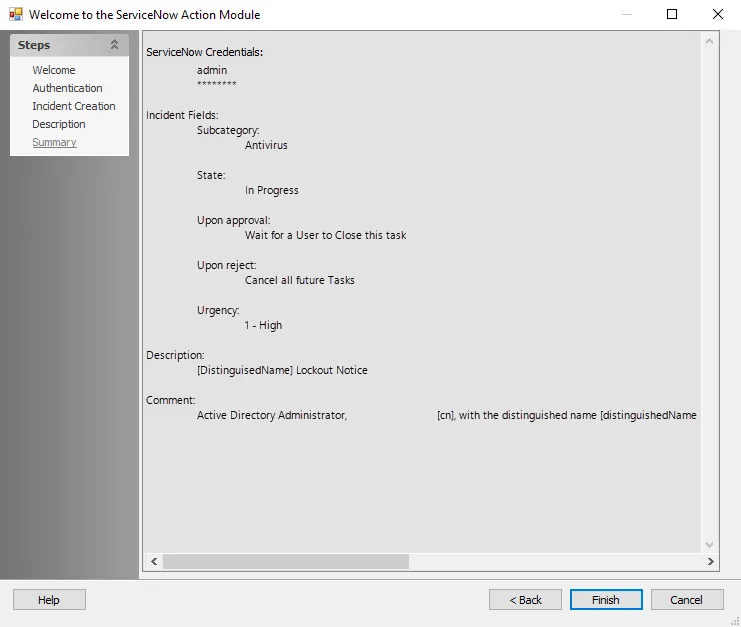
Click Finish to save configuration changes. If you didn't make any changes, click Cancel to close the ServiceNow Action Module Wizard instead. This prevents the wizard from saving accidental clicks.