ServiceNow Action: Incident Creation
The Incident Creation page is available after ServiceNow approves the credentials. Incidents on this page belong to two fields: Mandatory and Optional. You configure the type of field and its incidents within ServiceNow’s configuration page. Selecting a field and entering a value will include the incident within ServiceNow’s incident report.
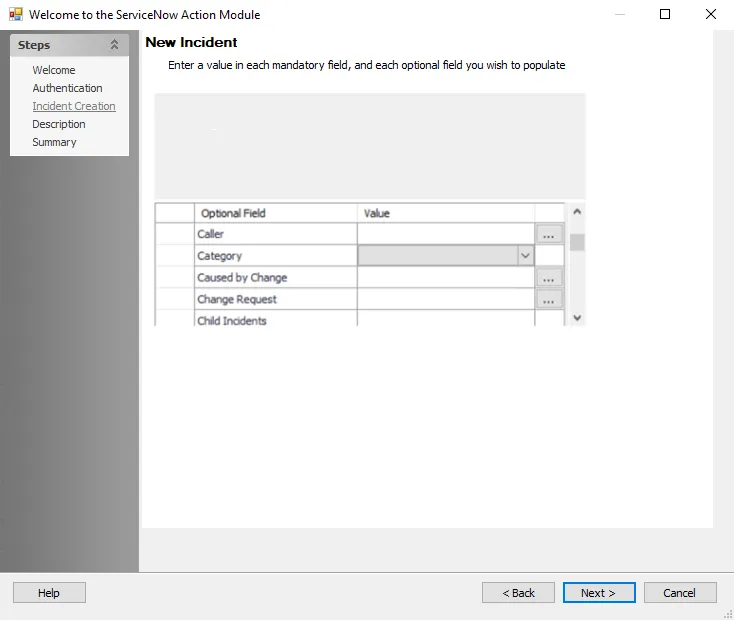
At the New Incident field list section, enter the fields for which incident to include on ServiceNow’s incident report. The ServiceNow account entered on the Authentication page determines which incidents are available within the fields on the Incidents Creation page. You adjust these incidents in ServiceNow.
Fields with a dropdown menu have a set of preconfigured options to select. Fields with ellipsis choose members from a preconfigured list.