Registry Action Module
Use the Registry action module to make bulk changes to the Microsoft Windows Registry. Use the Registry Action Module Wizard to choose the data table column that identifies the folders and to configure the operations performed against the selected folders. The Registry action module requires a column containing the hosts to target.
Before configuring the Registry Action Module Wizard, scope the source data table to ensure the actions apply only to the hosts you want to target.
Unexpected values in the registry can cause major system failures when deleting or modifying registry items.
Backup the system registry before making changes using the Registry action module.
Registry Action Source Table Configuration
All data tables used in Access Analyzer action modules require certain data columns. In addition, individual action modules including Registry may have their own column requirements. The Registry action module requires a column containing the hosts you want to target.
Configuration
The Registry action module is configured through the Registry Action Module Wizard, which contains the following wizard pages:
The Welcome page gives an overview of the Registry Action Module Wizard. The steps navigation pane contains links to the pages in the wizard. Review the introductory and caution information about the Registry Action Module before proceeding.
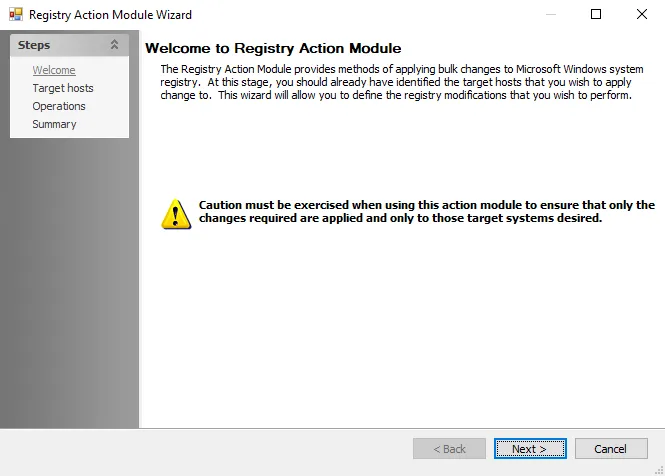
To proceed, click Next or use the Steps navigation pane to open another page in the wizard.