Public Folder: Prior Actions
The Prior Actions page selects previously executed actions for rollback. It is a wizard page when Rollback a previously executed action is selected on the Action page.
note
After you select and save an action and close the wizard, this page is no longer available, and you can't alter the selection.
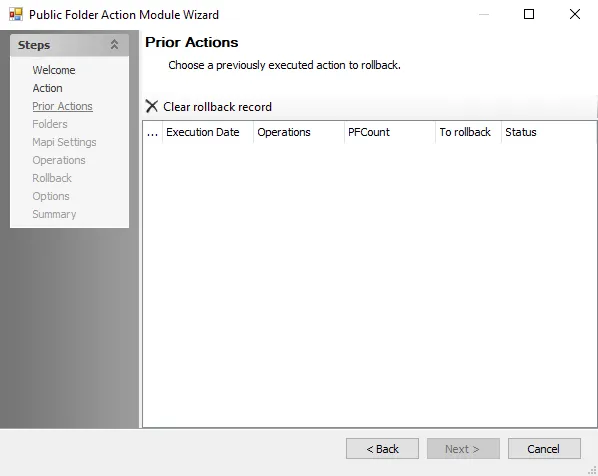
The options on this page are:
- Select a previously executed action (if available) to rollback
- Click Clear rollback record to remove all actions from the list