Public Folder: Options
Use the Options page to edit the thread settings.
warning
Increasing the thread count increases the processing load on the servers.
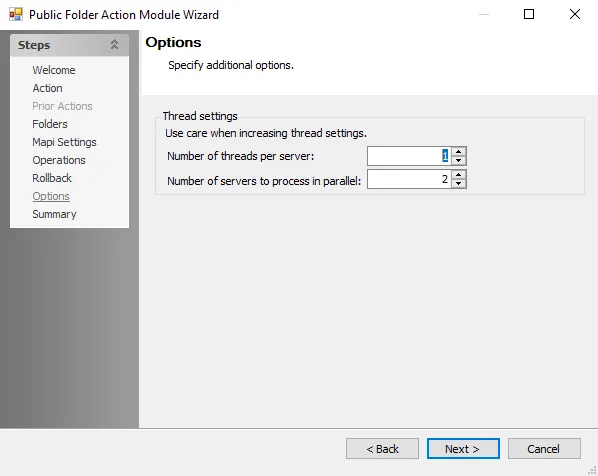
Use the following options to configure the operations:
- Number of threads per server – Adjust the number of threads the server processes at a time. The default is set to one.
- Number of servers to process in parallel – Adjust the number of servers to process at a time. The default is set to two.