File System Action: Environment
The Environment (Environment Variables) page is available only if the selected operation requires selecting a sample host.
Use this page to select and connect to a sample host, which loads a set of remote environment variables for scoping the action. Then, on the Target page, use the environment variables to build dynamic file path locations for the selected operation.
note
The environment variables from the local system load by default.
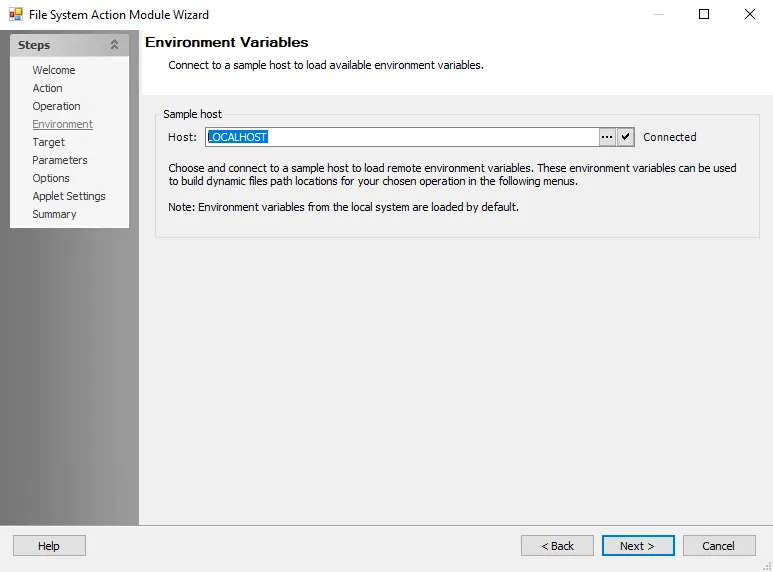
The connection status displays next to the Host field. To browse for another host, click the ellipsis (…) to open the Browse for Computer window. Once a host name appears in the field, click the check mark button to attempt to connect to the selected host.