Exporting False Positive Exclusion Filters
To export selected False Positive Exclusion Filters into a TXT file:
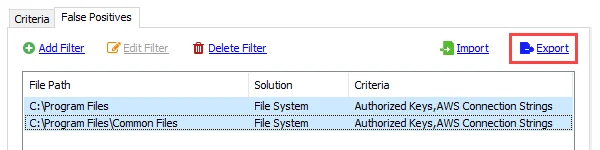
Step 1 – Select the false positive exclusion filters to export and click Export. The File Explorer opens.
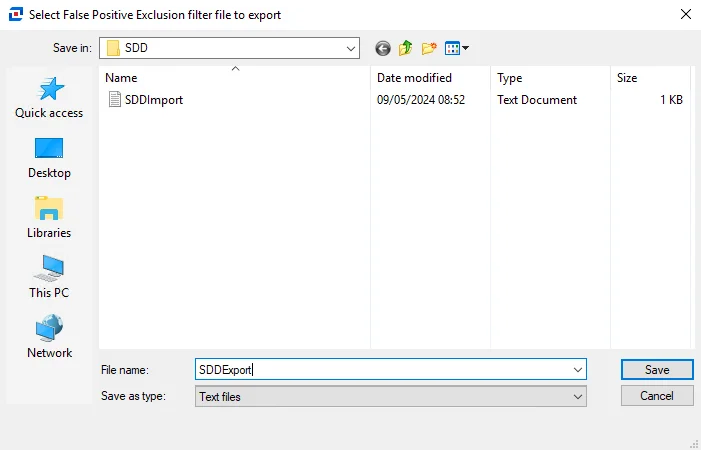
Step 2 – Enter a File name for the TXT file that will contain the exported false positive exclusion filters. Click Save.
Enterprise Auditor now exports the False Positive Exclusion Filters.