Copying Cells
Copying an individual cell within a generated report enables easier searching for information using the Access Information Center (AIC) or other tools. You can only use the copy feature on interactive grids. You can select and copy each cell listed under a column to the clipboard.
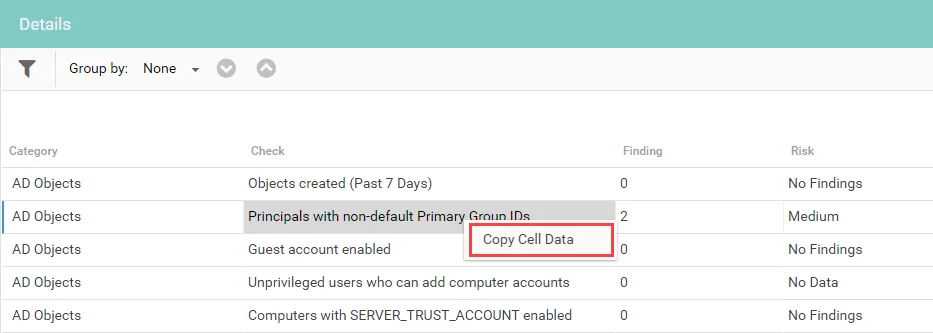
To copy a cell, select the cell, then right-click it and select Copy Cell Data.
note
You may need to allow programmatic clipboard access for your browser the first time you attempt to copy a cell.