Storage Tab
The Storage tab is for configuring the Storage Profile. Choose either to use the default settings, which could be either the global configuration or configuration set via broken inheritance at a job group level, or to configure settings just for this job.
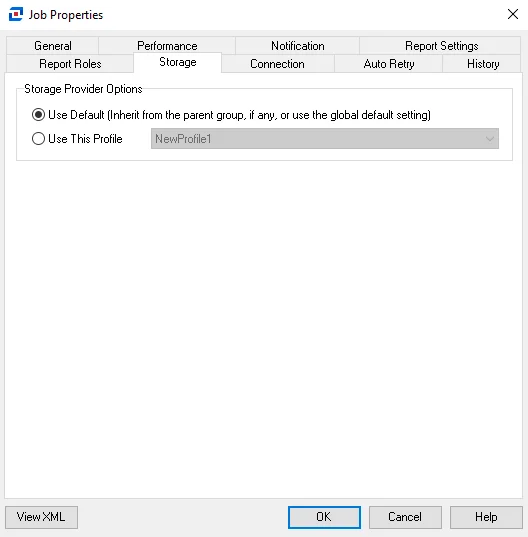
By default, all jobs inherit the storage setting through the Use Default option. To configure a different profile for the job, select the Use This Profile option and select the desired Storage Profile from the dropdown menu. You can only configure Storage Profiles at the Settings > Storage node. See the Storage topic for additional information.
Click OK to save configuration changes and close the Job Properties window. Click Cancel if you didn't make changes.