Notification Tab
The Notification tab is where email notifications are configured at the job level. Choose either to inherit the global configuration or to configure settings just for this job.
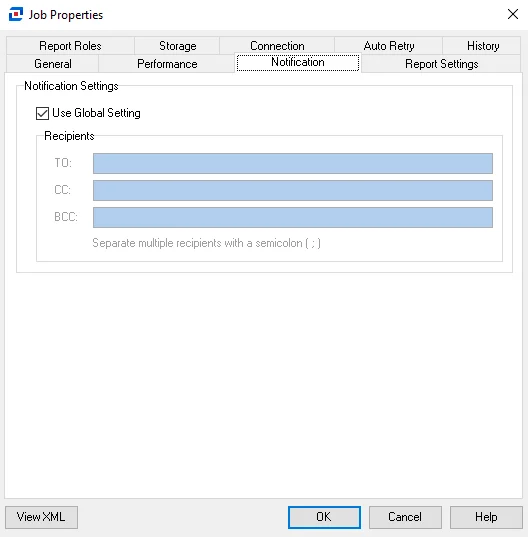
Deselect the Use Global Settings option to configure custom settings for the job. Then provide a specific list of recipients for email notifications generated by this job. You can input multiple email addresses by adding a semicolon (;) and space between entries. This is specific to Notification analysis module tasks.
Click OK to save configuration changes and close the Job Properties window. Click Cancel if you didn't make changes.