SPAA: Agent Settings
Use the Agent Settings page to configure the SharePoint Agent Service. It's a wizard page for the category of Scan SharePoint Access.
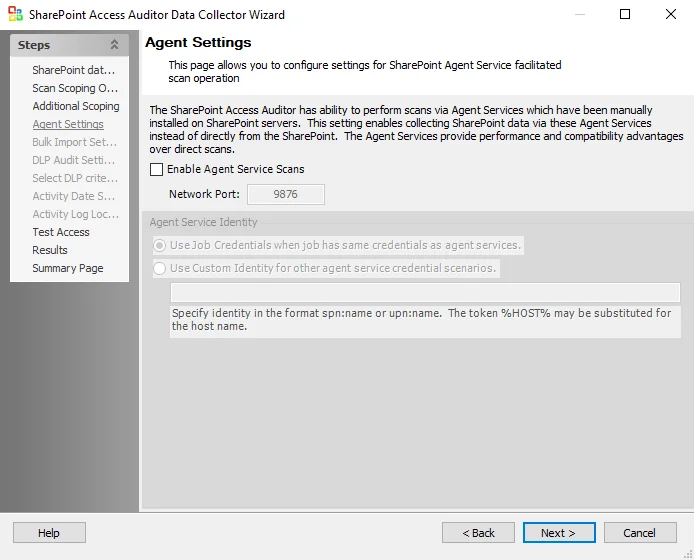
The Enable Agent Service Scans checkbox enables collecting SharePoint data through the agent services instead of directly from SharePoint. This option requires you to enter a Network Port. Agent Service Identity radio buttons are:
- Use Job Credentials when job has same credentials as agent services
- Use Custom Identity for other agent service credential scenarios
- Specify identity in the format
spn:nameorupn:name - You may substitute the token
%HOST%for the host name
- Specify identity in the format
This option requires you to install the SharePoint Agent on the application server. See the SharePoint Agent Installation topic for additional information.