SMARTLog: Target Log
Use the Target Log page to select the logs to collect. There are three versions of this wizard page that change based on log type. This version is a wizard page for the log types of:
- Windows Event Log (Archived)
- Internet Information Server Log
See the SMARTLog: Target Log for Windows Event Log Type and SMARTLog: Target Log for File Detection Log Type topics for information on the other versions of this wizard page.
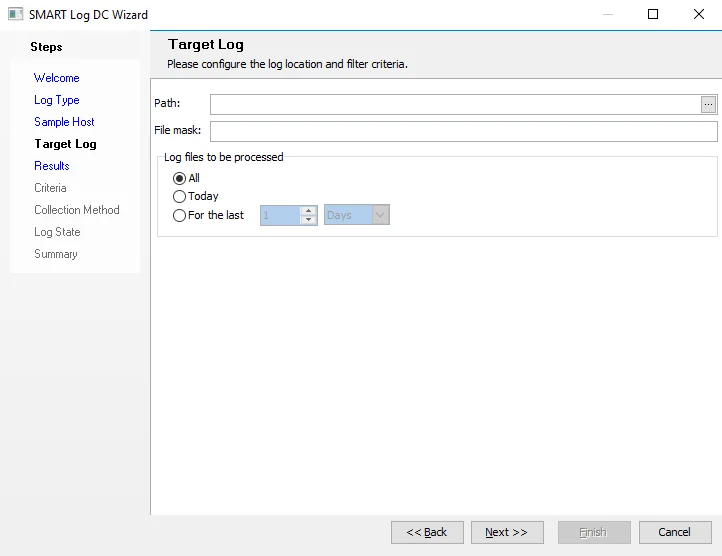
The configurable options are:
-
Path – Enter or browse to the path to the log
-
File mask – Enter file names to limit the file names to return from the path entered. Use asterisks for wildcards. For example,
u_ex*.logwould match u_ex170530.log. When you don't set a mask, Enterprise Auditor returns all files from the listed path. -
Log files to be processed – Select from the following options:
- All
- Today
- For the last – Select the number of days or hours