SMARTLog: Log State
Use the Log State page to configure how to search the log. It's a wizard page for all log types.
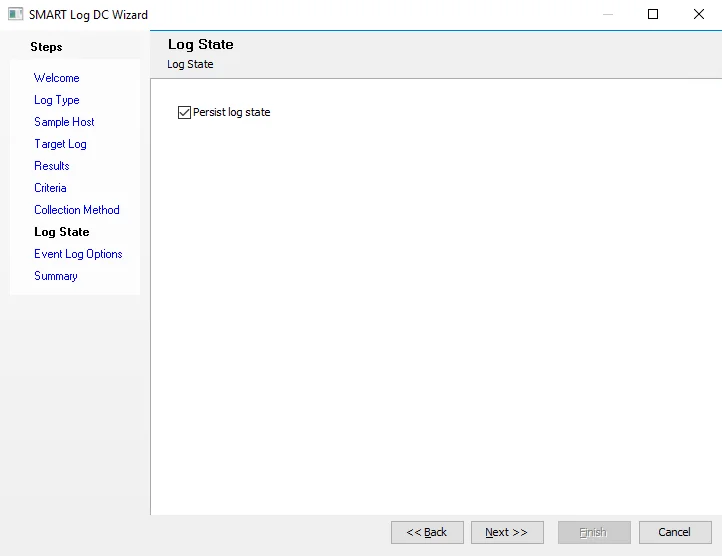
Select the Persist log state checkbox to search the log from where the search last left off. Enterprise Auditor creates a state file for each host configured in the query. You can view state files within Enterprise Auditor, and Enterprise Auditor names them by the query GUID. State files display the record the search last left off on, the event log, and the date of the last entry.