NIS: Results
Use the Results page to select properties from Unix to gather. It is a wizard page for both categories.
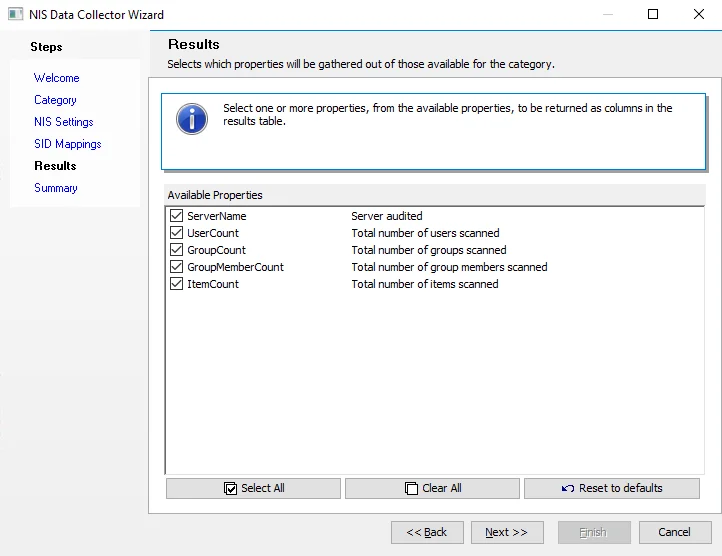
Select available properties individually using their checkboxes, or use the Select All, Clear All, and Reset to defaults buttons. The data collector gathers all selected properties. Available properties vary based on the category selected.
This information isn't available within the standard reference tables and views. Instead, you can
view this information in the SA_[Job Name]_DEFAULT table, which the data collector creates when
you select any of these properties.