CLU: Results
Use the Results page to select the properties to return as columns in the results table. It is a wizard page for all profile types.
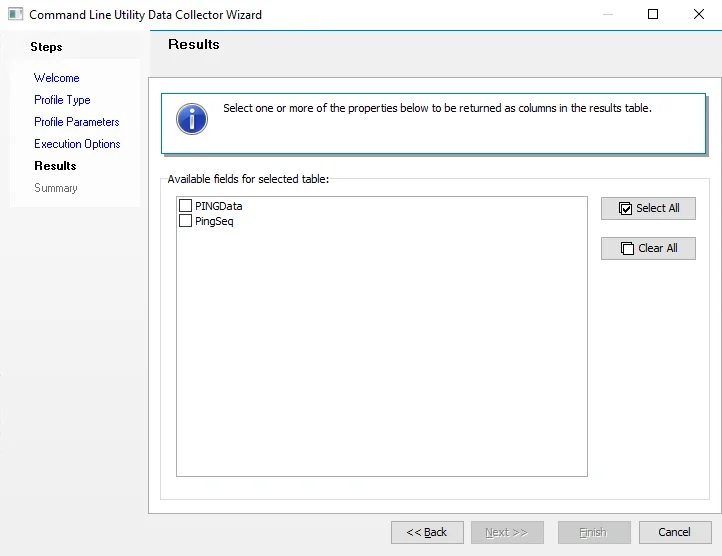
Select one or more properties to return as columns in the results table. Click Select All to select all of the properties, or click Clear All to clear all the selected properties. The available properties vary based on the selections on previous wizard pages.