Box: Scope by User Page
Use the User Scope Settings page (ScopeByUserPage) to limit the scope of the scan to specified users; the resulting scan only scans for the specified users. It is a wizard page for the Scan Box Permissions category.
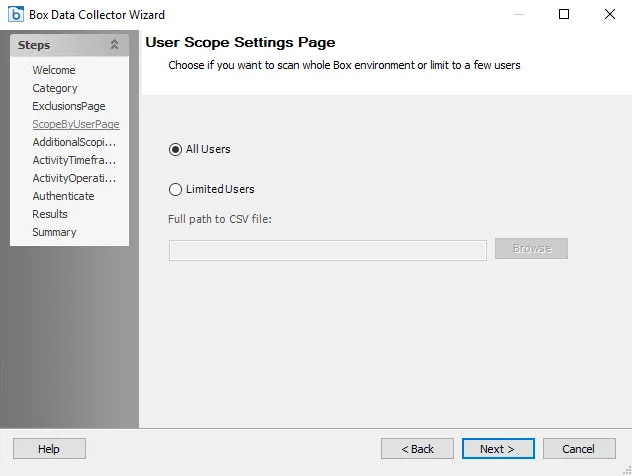
Select whether to scan All Users or Limited Users. If scanning for Limited Users, click Browse and navigate to the path of the CSV file that contains the email addresses of users to be included in the scan. The CSV file should have one email address per row.
The query will collect information related to User names and Group membership for all users in a target environment. However, if you scope the query to specific users, Enterprise Auditor doesn't collect additional information for users outside the scope. User names and group membership for the target environment is necessary to generate the Box Solution reports.