Box: Additional Scoping
Use the Additional Scoping page to limit the scan by depth. It is a wizard page for the Scan Box Permissions category.
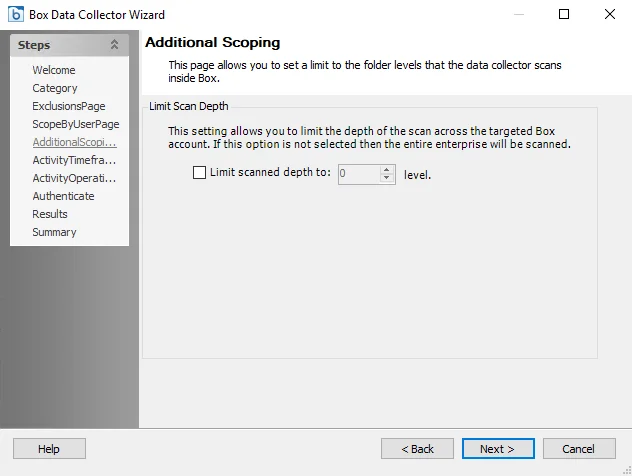
Configure the scan depth level:
- Limit scanned depth to: [number] level – Select the checkbox and set the scan depth level to the desired depth. If this checkbox isn't selected, then the entire Box environment will be scanned, according to the Box: Exclusions Page settings. If the scoping depth is set to 0 then only root will be scanned. Each increment will add another level of depth from root level.