AzureADInventory: Results
Use the Results page to select the properties from Microsoft Entra ID to gather. It is a wizard page for the category of Scan Entra ID.
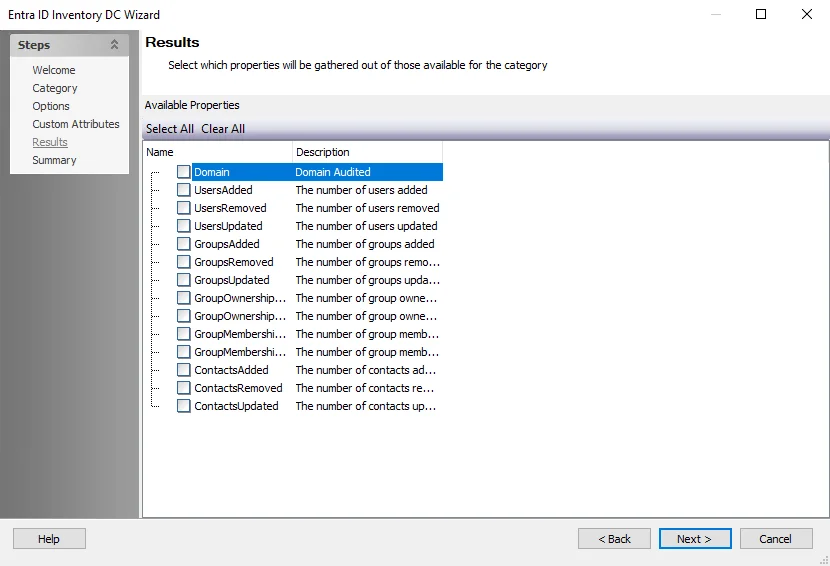
You can check properties individually, or use the Select All and Clear All buttons. Enterprise Auditor collects all checked properties. This information isn't available within the standard reference tables and views. Instead, you can view this information in the SA_AzureADInventory_DEFAULT table, which Enterprise Auditor creates when you select any of these properties.