SQLViewCreation: Input Source
Use the Input Source page to select the source tables or views, containing data, to join or aggregate into a resulting table or view.
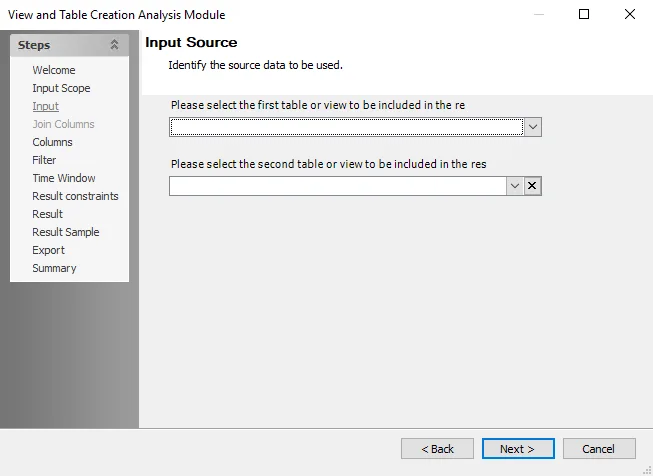
At the first dropdown, select a table. The selection you make on the Input Scope page determines the dropdown lists on this page. To join or aggregate data from two tables, select a second table at the second dropdown menu. To remove the second table from the field, click the X button.
note
Choose tables that are compatible with one another or share similar columns.
After you select the two data sources, click Next to create a joint column within the resulting table or view.