Notification: Command Line
The Command Line properties page is available when you select the Command-line Executable notification type on the Type page.
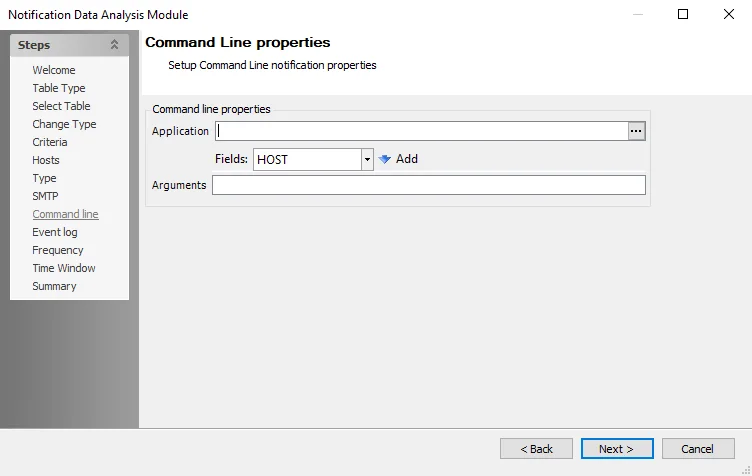
The following options are available:
-
Application – Specify an application to receive the notification. Click the ellipsis (…) to view and select from a list of executable files.
-
Arguments – If required, specify command line inputs for the application in the text box. If the argument must come from a value in the database (for example, a timeout value), insert it here via the Fields dropdown menu above.
- Fields – To pass one or more fields into the command line arguments, click the dropdown menu, select a field from the lists, and click Add