PublicFolder Action Module
Use the Public Folder action module to make bulk changes to selected Microsoft Exchange public folders by adding, changing, or removing folders and permissions from the environment. Use the Pubic Folder Action Module Wizard to choose the data table column that identifies the folders and to configure the operations performed against the selected folders.
Before configuring the Public Folder Action Module Wizard, scope the source data table to ensure the actions apply only to the folders you want.
Be careful when using this action module. Apply only the changes you need, and only to the target folders you intend. Always verify the data before executing any action.
Although rollbacks are available for some actions, avoid relying on them.
Configuration
The Public Folder action module is configured through the Public Folder Action Module Wizard, which contains the following wizard pages:
- Welcome
- Public Folder: Action
- Public Folder: Prior Actions
- Public Folder: Folders
- Public Folder: MAPI Settings
- Public Folder: Operations
- Public Folder: Rollback
- Public Folder: Options
- Public Folder: Summary
The Welcome page gives an overview of the action module. The navigation pane contains links to the pages in the wizard. Review the introductory and caution information about the Public Folder Action Module before proceeding.
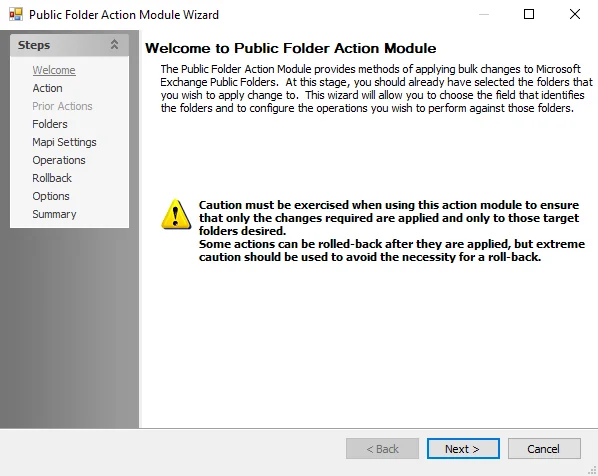
To proceed, click Next or use the Steps navigation pane to open another page in the wizard.